
STAY CONNECTED WITH PARENTSQUARE
IATS uses ParentSquare as our primary platform for school communication. Families receive messages through email, app, voice, or text, helping everyone stay informed and involved.
An account is automatically created for each parent or guardian using the contact information in our student information system. We encourage you to activate your account to download the free mobile app, set your language preferences, and choose how and when you’d like to receive messages.
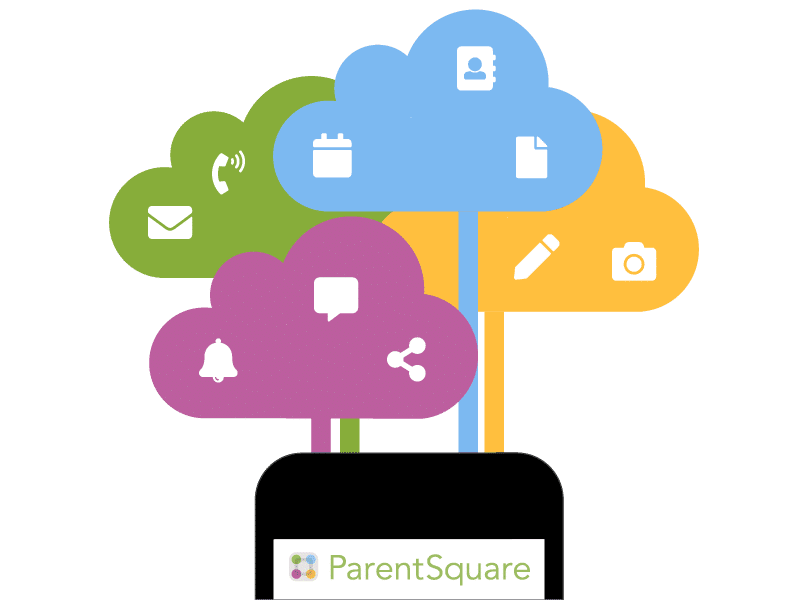
what you can do with parentsquare
Student Square is the student-facing version of ParentSquare, used by IATS to communicate directly with students.
frequently asked questions
On the app, enter your email or cell phone number. The email and/or cell phone number should match what is in the school's information system eSchool.
On the web, click ‘Sign In’, then under ‘Register’ section, put your email or phone number and click '“Go”.
If the email or phone number is not recognized by ParentSquare, parents can follow directions to request access or call the school office and ask them to update the contact information.
ParentSquare allows users to customize their notifications based on notification type and select their preferred delivery method for each school. The Instant setting will send all post notifications in real-time. The Digest setting sends direct messages, alerts, and time-sensitive posts instantly, but sends all non-time sensitive posts at the end of the day, reducing the number of notifications you receive daily. (We recommend the Digest setting.) Learn more about managing notifications.
Parents can update their language preference for their account. Once they have done this, ParentSquare will automatically translate any communication to them in their selected language. This translation will also occur when the parent sends a message to a staff member. Learn more about ParentSquare translations and how to set the language preference.
Yes. All parents have a ParentSquare account. ParentSquare is the primary tool for district and school communication. Individuals who do not activate their account in ParentSquare will still receive email and text notifications with school communication. In the event of emergencies, phone calls will be sent as well. We encourage everyone to activate their account to be able to access permission forms, photos, and direct messages.
Click “Unsubscribe” link on your email from ParentSquare or reply STOP to the SMS from ParentSquare to stop notifications to your email or phone.
**** If the email or phone number is not recognized by ParentSquare, parents can call the school office and ask them to update the contact information.
©2025 Indiana Agriculture & Technology School - All rights reserved. Site by HardingPoorman.